
Download PhotoSEAM – Photo Editor, Image Editor, Filters, Effects, Photo Effects, Photo Enhancement
Overview
PhotoSEAM is a mobile photo and image editing application designed to empower users with creative tools for transforming digital visuals. At its core, the app serves as a versatile platform for enhancing photographs through a wide range of filters and visual effects. It caters to users seeking to personalize their images with unique textures, artistic overlays, and dynamic adjustments. While the app may present a straightforward interface at first glance, it offers substantial functionality for both casual users and those exploring more advanced editing techniques. The primary purpose of PhotoSEAM is to simplify the process of photo enhancement while maintaining creative flexibility.
Target users include amateur photographers, social media content creators, and individuals who want to elevate their personal photos without the complexity of professional software. The app addresses common pain points such as dull or flat images by providing tools to adjust brightness, apply mosaic effects, and layer multiple visual transformations. Real-world use cases include enhancing travel photos, customizing profile pictures, or creating artistic renditions of everyday snapshots. In the broader app ecosystem, PhotoSEAM occupies a niche as a lightweight yet capable tool for on-the-go image editing, especially for users who prioritize ease of access and quick results.
The developer, PhotoSEAM, has not provided additional background information about the company or its development philosophy. However, the app’s release date of September 9, 2008, indicates a long-standing presence in the mobile editing space, suggesting a mature product refined over time. Despite its age, the app continues to serve a specific audience looking for a no-frills, effective photo enhancement solution. The fact that it remains available and free to download highlights its enduring relevance in a competitive market.
Key Features & Functionality
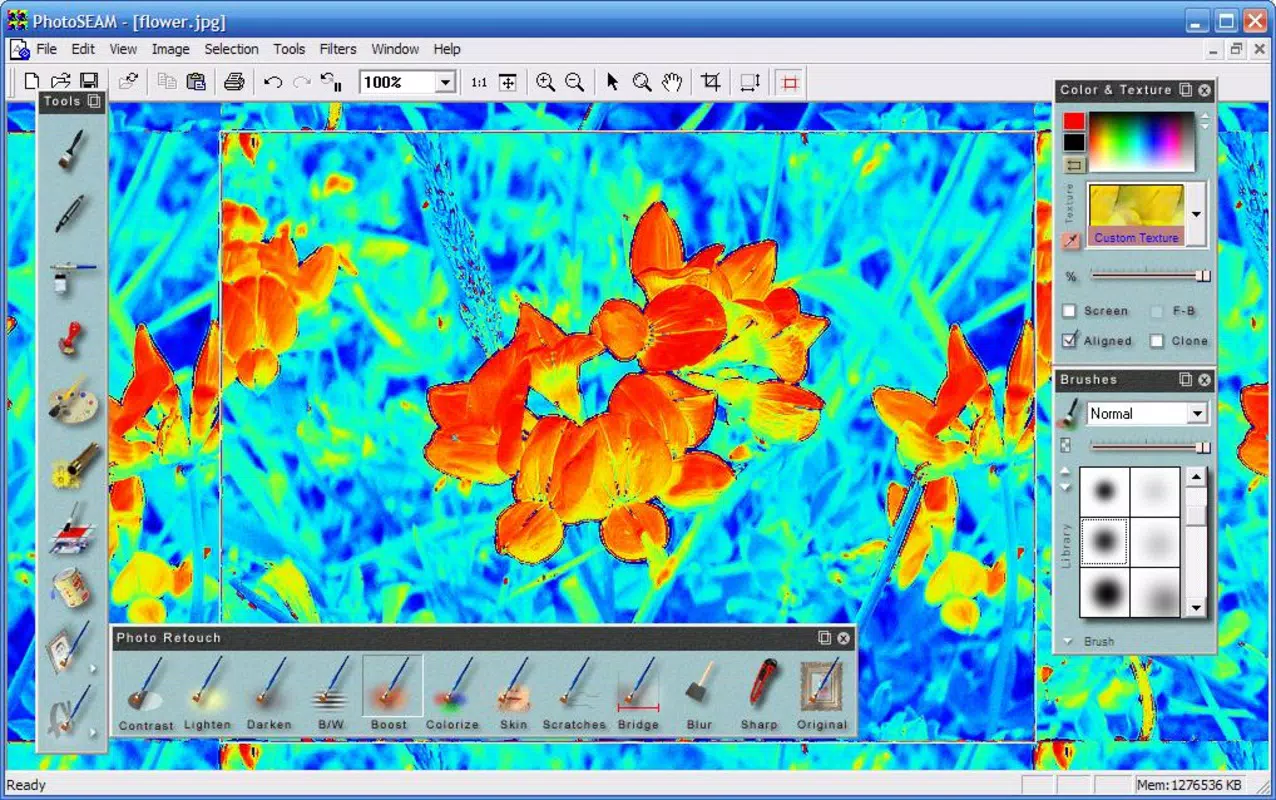
- Wide Range of Effects: PhotoSEAM offers a diverse selection of visual effects, including mosaic patterns and brightness adjustments. These tools allow users to add texture and depth to their images, enabling unique artistic expressions. For example, applying a mosaic effect can transform a standard photo into a stylized, pixelated artwork suitable for social media.
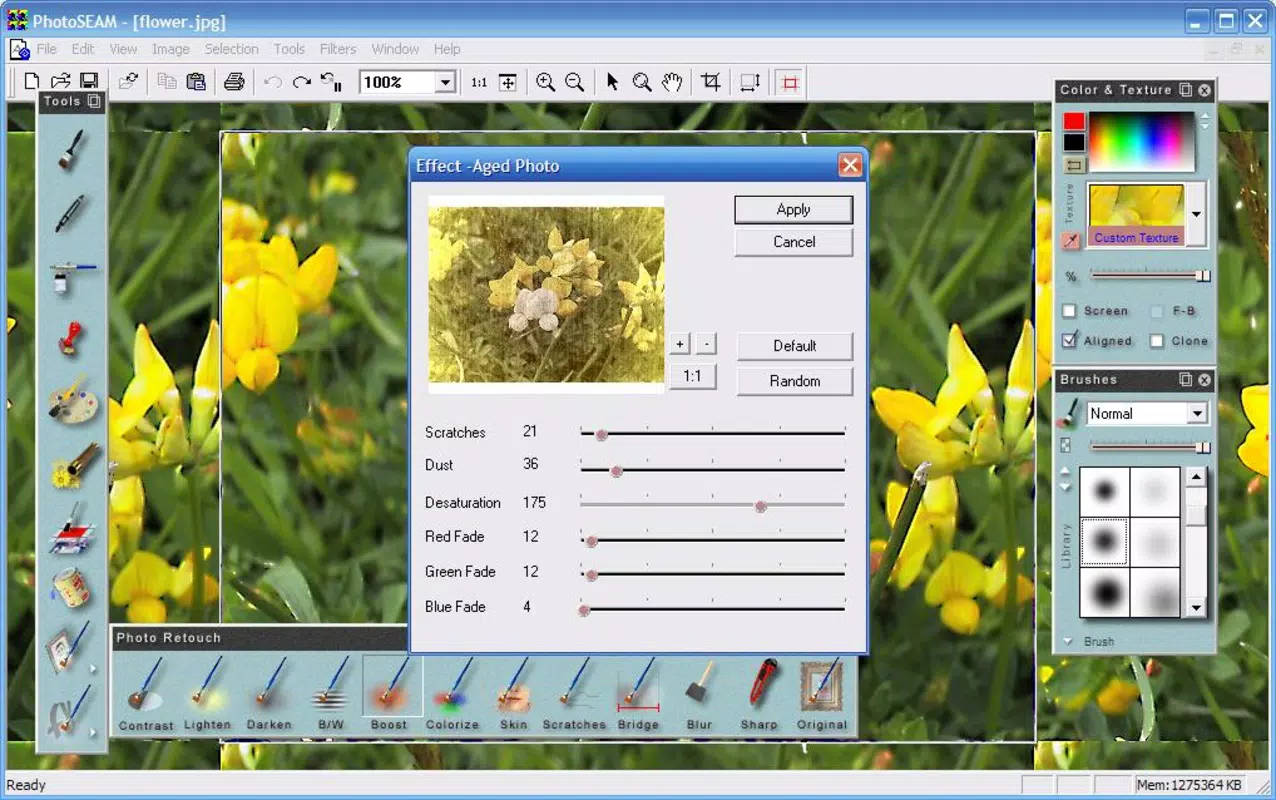
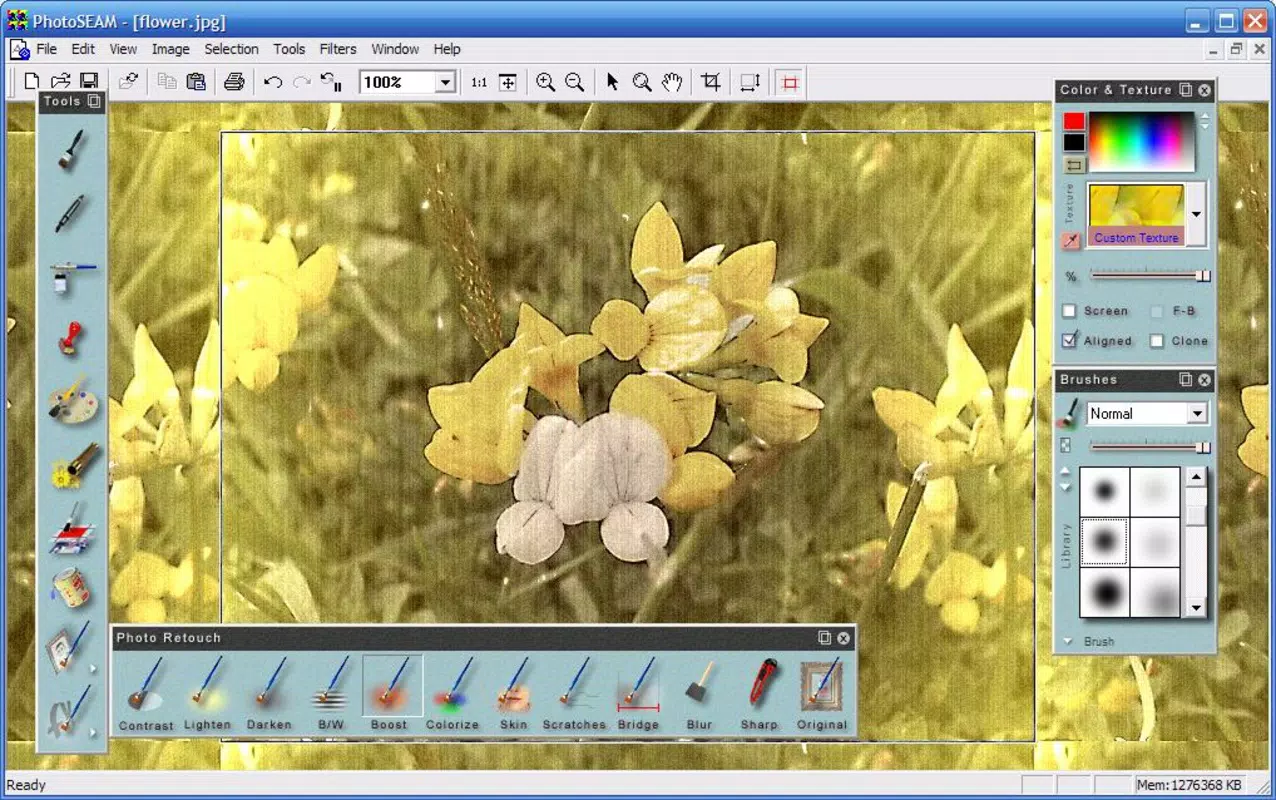
- Layering Capabilities: One of the app’s most notable features is its ability to apply filters in layers. This functionality enables users to stack multiple effects—such as a vintage filter over a grainy overlay—resulting in complex, customized visuals. Layering supports experimentation and iterative refinement, making it ideal for digital artists and creative hobbyists.
- User-Friendly Interface: Despite its advanced features, PhotoSEAM maintains an intuitive layout that simplifies navigation. Options are organized logically, allowing users to access tools without confusion. This design philosophy ensures accessibility for beginners while still offering depth for more experienced editors.
- Customizable Brushes: The app includes various brushes that can be adjusted to apply effects with precision. Users can control brush size, opacity, and effect intensity, giving them fine-grained control over how edits are applied. This is particularly useful when selectively enhancing parts of an image, such as highlighting specific elements.
- High Volume of Filters: PhotoSEAM features a large library of filters that can be mixed and matched. This flexibility allows users to explore different combinations, pushing the boundaries of visual storytelling. Whether aiming for a dreamy, soft-focus look or a bold, high-contrast style, the app provides a broad palette of options.
Practical Use Cases
For instance, a user might start with a landscape photo, apply a warm tone filter, then layer a subtle grain effect to give it a vintage feel. Another example includes enhancing a portrait by adjusting brightness and using a soft brush to apply a blur effect to the background. These workflows demonstrate how the app supports both quick edits and more thoughtful, layered compositions.
Interface, UX & Performance
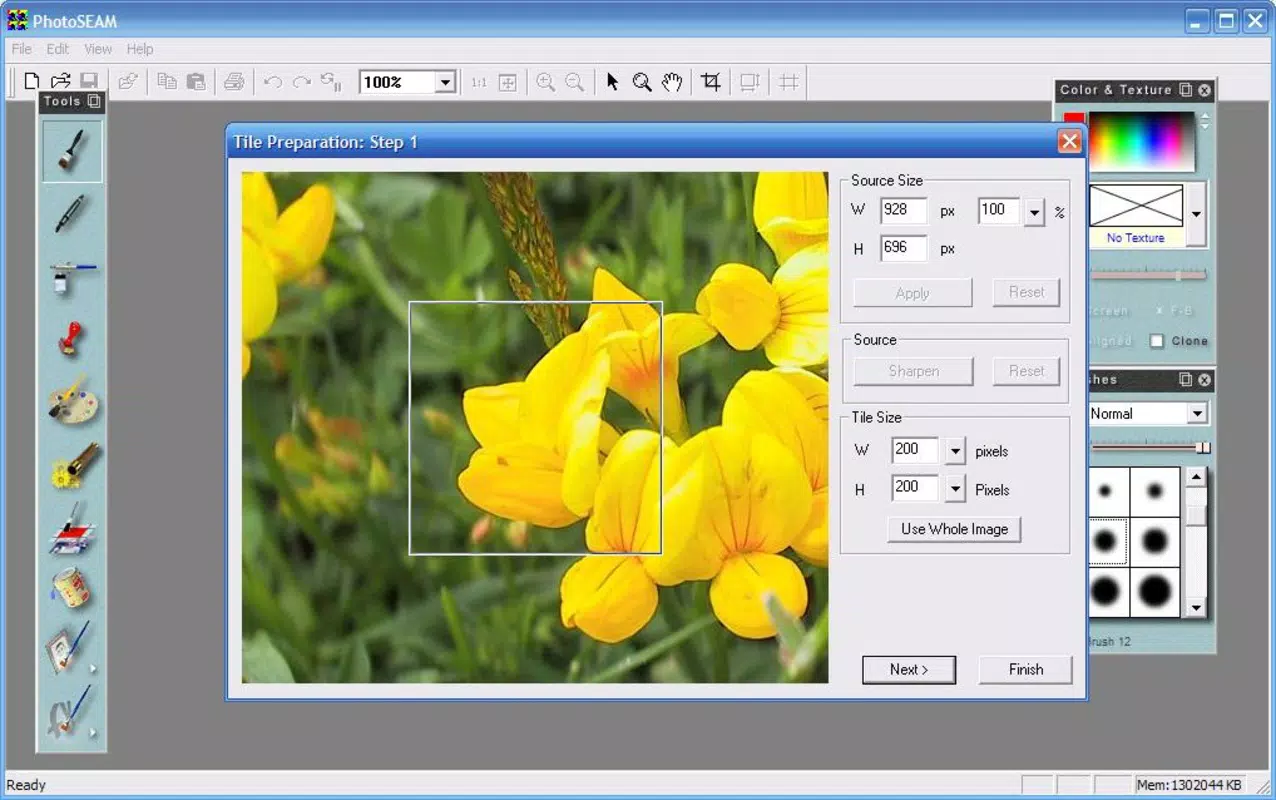
PhotoSEAM features a clean, minimalistic interface that prioritizes functionality over visual clutter. The layout is structured around a central editing canvas, with toolbars and effect menus positioned for easy access. Navigation is straightforward, with clear icons and labeled options that guide users through the editing process. This design reduces the learning curve, making the app approachable for first-time users.
Interaction is smooth, with responsive touch controls that react instantly to user input. The app maintains stability during editing sessions, even when multiple layers are applied. Although the developer did not list formal performance metrics, the app’s lightweight size of 15.2 MB suggests optimized resource usage. This makes it suitable for a wide range of Android devices, including older models with limited processing power.
Performance remains consistent across different device categories, with minimal lag during filter application and layer manipulation. The app does not appear to consume excessive memory or battery, which is essential for users who edit photos on the go. Overall, the user experience is streamlined and efficient, focusing on delivering fast, reliable results without unnecessary delays or crashes.
Platform Compatibility & Technical Requirements
PhotoSEAM is available exclusively on the Android platform. The current version is 1.1.0, with a file size of 15.2 MB. This compact footprint ensures quick downloads and minimal storage impact. The app is designed to run on Android devices, though specific OS version requirements were not listed by the developer. Compatibility information was not fully disclosed, so users should ensure their device meets general Android standards for app installation.
Given the app’s release date in 2008, it likely supports older Android versions, but users are advised to check their device’s compatibility before installing. The lack of detailed technical specifications means that users should rely on standard Android installation protocols. No additional permissions or hardware requirements were mentioned in the provided data.
Pros and Cons
- Free to download and use with no in-app purchases
- Lightweight size (15.2 MB) ideal for low-storage devices
- Intuitive interface suitable for beginners and intermediate users
- Supports layered editing for advanced creative control
- Offers a broad selection of filters and customizable brushes
- No official information on minimum OS requirements
- Limited availability—only on Android, not iOS
- Developer did not provide updates or changelog details
- No cloud sync or export customization options mentioned
- Outdated release date may raise concerns about modern security standards
FAQ
Is PhotoSEAM safe to download and install?
Yes, PhotoSEAM is available as a free app on Android. While the developer did not provide security details, the app is distributed through official channels and has been available since 2008 without reported widespread issues.
Can I use PhotoSEAM on iOS devices?
No, the app is currently only available for Android. There is no official iOS version, and the developer has not announced plans for cross-platform expansion.
Does PhotoSEAM require an internet connection?
No, the app functions entirely offline. All editing tools, filters, and effects are processed locally on the device, ensuring privacy and consistent performance without network dependency.
How often is PhotoSEAM updated?
The developer has not provided information about update frequency. The latest version available is 1.1.0, released in 2008, suggesting limited or no recent updates.
Can I export edited photos in high resolution?
The app does not specify export quality or resolution details. However, since it supports layering and advanced filters, it likely preserves image quality during export, though exact output settings were not disclosed.
Final Thoughts
PhotoSEAM stands out as a dedicated, no-frills photo editing tool that delivers core functionality with a focus on creativity and ease of use. Despite its age and lack of modern features like cloud integration or real-time collaboration, it remains a viable option for users who need a reliable, free, and lightweight solution for basic to intermediate image enhancement. Its layering capabilities and extensive filter library offer meaningful depth, making it more than just a simple filter app.
While newer alternatives may boast sleeker designs and updated features, PhotoSEAM’s longevity speaks to its stability and consistent performance. It’s particularly valuable for users with older Android devices or those who prefer minimalistic tools without subscription fees. For anyone seeking a secure, free mobile photo editor with real creative potential, PhotoSEAM offers a solid value proposition.
Download PhotoSEAM now


